Blog
Practical tips on email & customer support automation
Hands-on writing on email management, AI automation, customer support, and team productivity.
How to Create an Email Group in Gmail: Label or Google Group
In Gmail, an email group is usually a contact label: a private shortcut that only you can use. Here's how to create one, how to create a Google Group when the team needs a real address, and what neither of them does on its own.

How to Create a Distribution List in Outlook (Every Version)
In Outlook, a distribution list is now a contact list or contact group, and it's yours alone. Here's the click path in every version, the route to a list the whole team can use, and the one case where no list is the right answer.
How to Send Email From a Shared Mailbox in Outlook and Gmail
Picking the shared address in From is the easy part. This covers the click path in every Outlook client and Gmail, the errors that mean a permission is missing, and why your reply lands in your own Sent Items.
Shared Mailbox vs User Mailbox: Licensing and Converting
A user mailbox belongs to one person and costs a license. A shared mailbox belongs to nobody and usually costs nothing. Here's where that stops being true, and how to convert in either direction without leaving a door open.
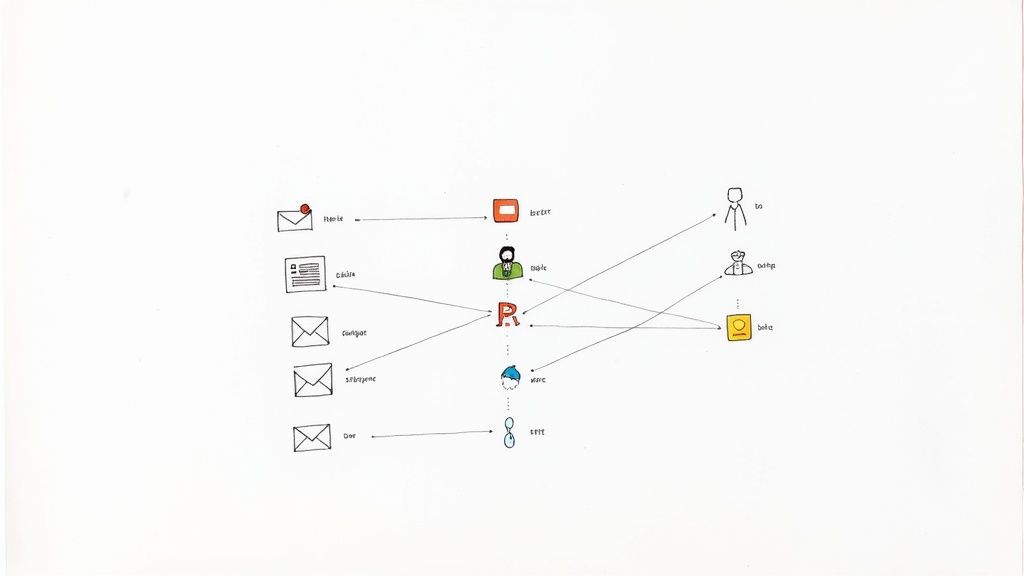
Email Routing Software: Rules, Round Robin, What Breaks
Routing software answers one question all day long: who owns this message? Here's where that decision can live, how the usual answers fail, and how to test one on your own mail before you pay for it.
Email Delegation in Gmail and Outlook: Setup and Limits
Delegation lets someone work another person's mailbox from inside their own account, without a shared password. Here's the setup on both platforms, what the other person can actually see, and where the mechanism runs out.
AI Customer Service Agent: How Much Autonomy to Give It
The software can already send the reply on its own. The only real decision left is which topics you let it send on, and how you find out you were wrong before a customer does.
Customer support response time benchmarks, checked
Almost every response time benchmark you can find was published by somebody selling support software, and the numbers trace back to a handful of studies nobody can check. Here's what the peer-reviewed research actually measured, and which fixes move which part of your queue.

Email SLA: How to Set and Hit Response Targets
An email SLA is only as good as the rules underneath it: what starts the clock, what stops it, and whose hours it runs on. Here's how to write one you can hit and measure with the tools you already have.

ChatGPT for Customer Support: An Honest Guide
ChatGPT is useful behind a support agent and unreliable in front of a customer. Here is what it does well, what it structurally cannot know, and what happens to the email you paste into it.
Email Collaboration Tools: What to Use When (2026)
Email collaboration isn't one job, so there isn't one tool for it. Here are the five things teams mean by the phrase, the mechanism that fits each one, and the documented point where each mechanism stops working.

Shared Inbox in Outlook: How Teams Actually Run One
Getting the mailbox into everyone's Outlook is the easy half. The half nobody writes up is who picks a message up, how the rest of the team can tell, and which of the obvious answers Outlook quietly doesn't support.

Customer Service Email Templates: 18 Complete Emails
Eighteen customer service email templates, each one a whole email with a subject line rather than a paragraph you paste into a thread. Plus the subject-line rule that stops your replies splitting a customer's history in two.
Canned Responses: 32 Examples for Email Support Teams
Thirty-two canned responses for email support, grouped by the moment that triggers each one. Plus where the text actually lives in Gmail and Outlook, and the routine that keeps a library from going stale.

Google Collaborative Inbox: Setup, Limits, Fixes
A Collaborative Inbox is a Google Group with a queue switched on. Making it work takes two settings, not one, and the second is the reason so many teams switch it on and then find that only one person can actually assign anything.
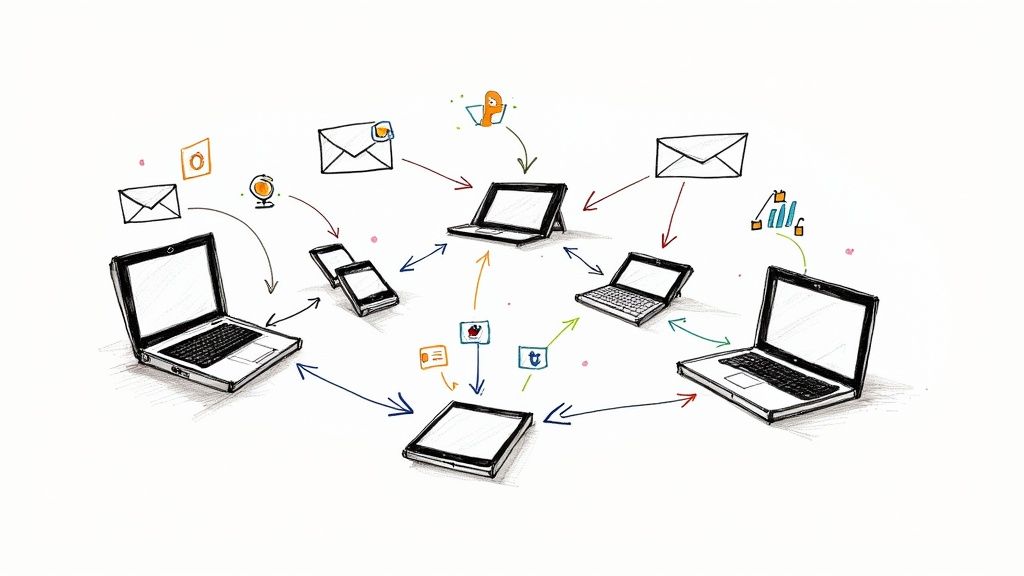
How to Add a Shared Mailbox in Outlook (Every Version)
Adding a shared mailbox to Outlook takes a different click path in each of the five Outlooks, and half the time it was supposed to appear on its own. Here's every path, plus why it sometimes never shows up.
Email Management Software: Which Kind Do You Need (2026)
Four unrelated product categories are sold as email management software. Which one your problem actually is, where the plan you already pay for stops, and what to settle before you look at a single product.

Help Desk Software for Small Business: How to Choose
Help desk software for a small business is not a smaller version of the enterprise one. What changes at 3, 10 and 30 people, who ends up administering it, and the costs that never appear on a quote.
Email Triage Software: What It Must Do and How to Test
Email triage software is a decision layer rather than a mailbox. This guide covers which layer of your stack should hold the triage decision, what a tool has to do that a rule cannot, and how to prove it on your own support mail.
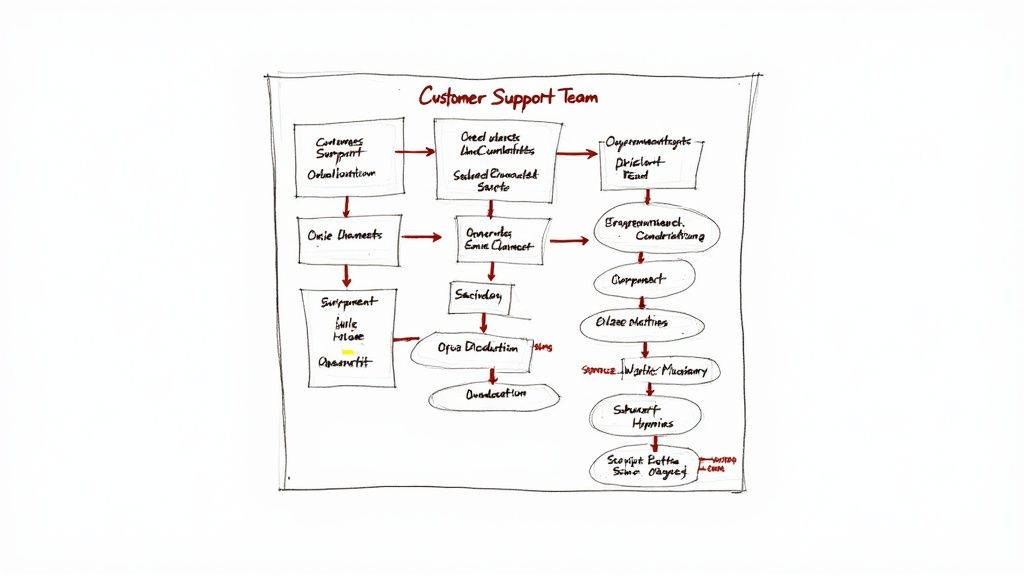
Team Email Management: A Playbook for Small Teams
Team email management is an agreement, and it runs on top of whatever mailbox you already have. Here are the rules worth writing down, and the platform behavior that quietly breaks them.
Email Ticketing System: What It Is and When to Use One
An email ticketing system turns each message into a record with an ID, a state and a clock. What that changes for your team and your customers, and when the extra process weight pays for itself.
AI Email Triage: How It Works and Where It Fails
AI email triage is software that reads each incoming message and decides, or proposes, its category, its priority and its owner before anyone opens the queue. What it is allowed to do when it gets one wrong is the part that matters.
Email Triage: What It Is and How to Run It as a Team
Email triage is deciding what happens to each unhandled message before you answer any of them. On a shared address that means one extra decision the personal frameworks skip: who owns it.
Shared Inbox Software Compared: 8 Criteria, 3 Routes (2026)
Three solution routes, the eight criteria that decide your shortlist, and the pricing mechanics that move the invoice far more than the headline per-seat rate.
What Is a Shared Inbox? The Complete Team Guide
A shared inbox is one address several people work from, with assignment and status attached to each thread. Here is how it works, when you need one, and where the built-in options run out.
How to Organize Email: Fewer Folders, Faster Finding
Most email filing is effort you never get back. Here's the evidence, the small structure that does pay off, and the platform limits nobody mentions.

AI customer service: what actually works
Every vendor page on this topic cites its own survey. The independent evidence points somewhere narrower and more useful: AI is strongest beside your agents, weakest in front of your customers, and whatever it says to a customer is legally yours.

Email Management App: What Your Phone Can Actually Do
An app is something you find in a store, install yourself and authorize by tapping Allow. That distribution model decides what it can see, what it can change, and why there is no self-serve version of it for an address several people answer.
Customer Communication Platform: How to Choose (2026)
Most platform advice starts with the tool. Start with the channels instead: every one you open is a response-time promise someone has to keep.

How to Talk to Customers in a Support Queue
Most advice on how to talk to customers is written for someone standing in front of one. Here's what holds up when the customer is a name in a queue and every word you choose is typed, delayed and permanently re-readable.

Explore 10 Client Service Best Practices for Success
Discover 10 client service best practices to enhance relationships, boost retention, and fuel growth.

How to collect customer feedback: a practical system
Most of what customers tell a small team arrives as one sentence in a reply thread and closes with the ticket. Here is how to collect it on purpose, with the tools you already pay for, and what to do with it on Monday morning.
How to Format an Email: Structure, Replies and Settings
Most guides to email format stop at the greeting and the sign-off. This one covers the reply, the formal version, and the Gmail and Outlook settings that quietly override what you typed.
AI Email Assistant: How to Choose One for a Team (2026)
An AI email assistant drafts, summarizes and sorts. Which of those you need depends on whether your bottleneck is writing the reply or deciding who owns it.
Knowledge Base Design Mastery: Strategies That Drive Success
Knowledge base design that deflects tickets - information architecture, article structure, search tuning, and the team workflow that keeps it alive.

How to Unsend an Email: Gmail, Outlook and Apple Mail
What Gmail and Apple Mail call unsend is a delay, not a recall. Microsoft's message recall is the real thing, and it now works in cases most pages still say it doesn't. Here's what each platform actually does, and what to do when the window is already gone.
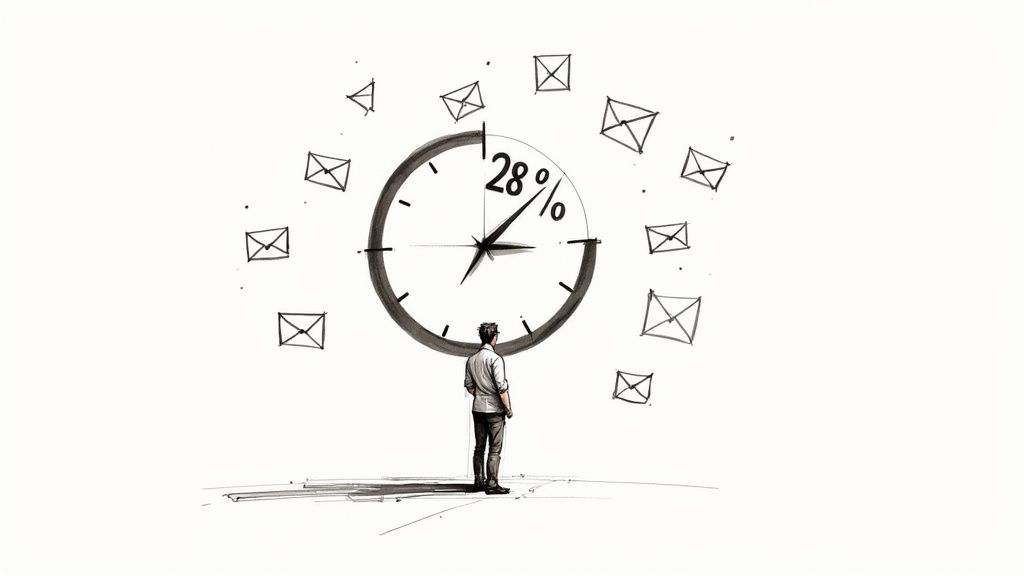
Email Overload Statistics: 8 Essential Insights
Explore email overload statistics to uncover hidden inbox costs and discover strategies to reclaim your time.

Effective Email of Apology to Customer: Win Back Trust
Learn how our email of apology to customer rebuilds trust and converts mistakes into opportunities, inspiring customer loyalty.
What Is Inbox Zero: Simplify Your Email Today
What inbox zero actually is, how to reach it, and the daily habits that keep your inbox empty without becoming a tyranny of unread badges.
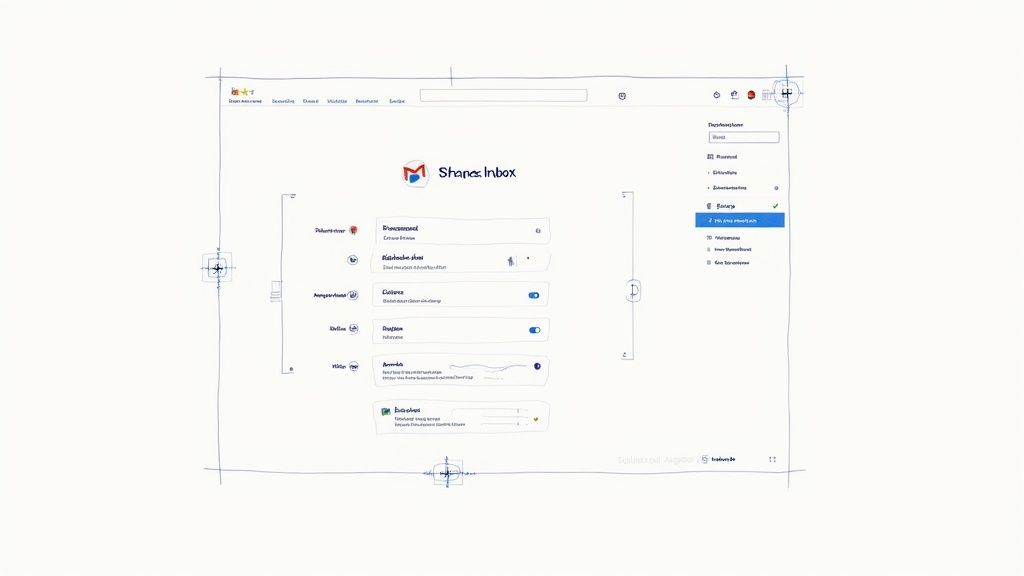
Gmail Shared Inbox: Setup, Limits, Which Route to Pick
Four routes lead to a shared team address in Gmail, three of them depend on an admin somewhere, and they run out of road at completely different points. Here is what each one does and which situation it fits.

Managing Customer Expectations for Business Growth
Unlock proven strategies for managing customer expectations that boost loyalty and revenue. Discover actionable insights now.

8 Customer Service Scripts Examples: Boost Your CS in 2025
Elevate your customer service with these 8 customer service scripts examples. Learn how to handle greetings, problem resolution, and more in 2025!

How to Respond to Customer Complaints: Expert Strategies
Learn how to respond to customer complaints using proven techniques that turn issues into lasting loyalty. Click for expert insights.

How to Build Customer Loyalty: Proven Tactics
Learn how to build customer loyalty using proven tactics that turn buyers into dedicated fans. Discover simple strategies to drive growth.
Automated Email Response Examples: 12 Auto-Replies
Twelve auto-replies you can paste into a support mailbox tonight, each with the condition that fires it and the thing that goes wrong with it. Including the part no template list mentions: Gmail, Outlook and Google Groups each decide for themselves who gets your reply and how often, and one Exchange setting can delete it without telling anyone.
How to Scale Customer Support Before You Hire
Scaling support is a sequence, not a tip list. Here is the order the moves actually go in, the number that triggers each one, and what a hire really costs.
Customer Service Management System: What It Must Do
A customer service management system is three decisions written down plus whatever enforces them. Here are the six jobs it has to do, the four classes of tool that can do them, and the signals that say you've outgrown what you already own.

How to Reduce Customer Churn 2026: 8-Step Framework
How to reduce customer churn - 8-step framework, voluntary vs involuntary churn explained, the involuntary-churn tactics most teams miss, metrics, and the SaaS playbook for 2026.

How to Handle Difficult Customers: Proven Tips
Discover expert strategies on how to handle difficult customers and turn conflict into opportunity. Get practical tips now.

How to Measure Customer Satisfaction: Expert Tips
Master how to measure customer satisfaction with expert insights and actionable strategies for boosting retention.
Inbox Management: A Routine That Holds on a Busy Week
What you do when mail arrives is a different problem from where it ends up living. Here's the routine, the evidence for checking less, and where it breaks.
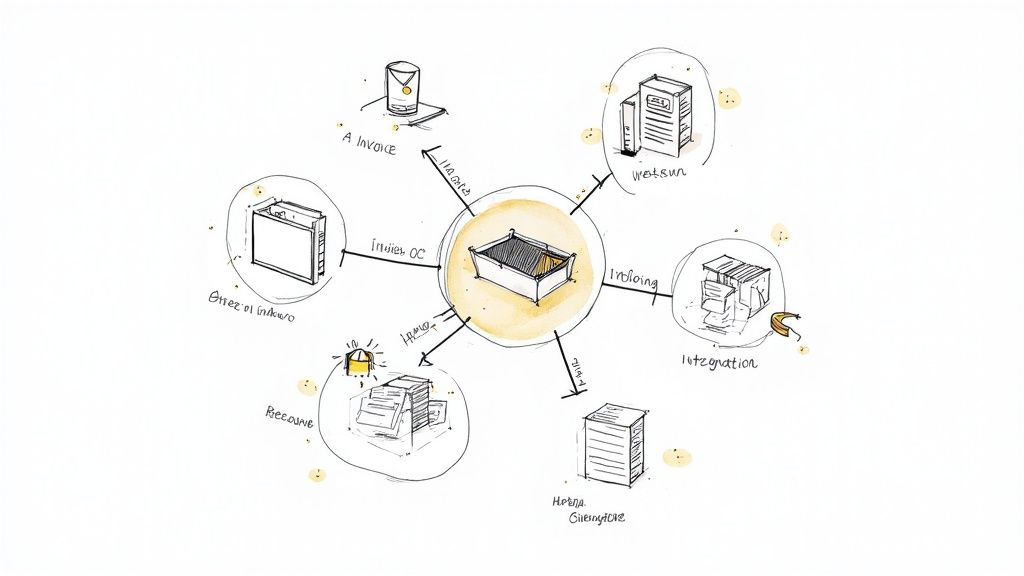
Business process automation examples for small teams
Most automation advice is written for companies with an IT department. These are nine processes a team of two to fifteen can actually automate, what each one costs to keep running, and how to work out which one to do first.

How to Create a Customer Service Improvement Plan That…
Transform your customer service with a data-driven improvement plan that delivers measurable results.

Building A Winning Customer Communication Strategy
Transform your customer communication strategy with battle-tested approaches that drive loyalty and growth.
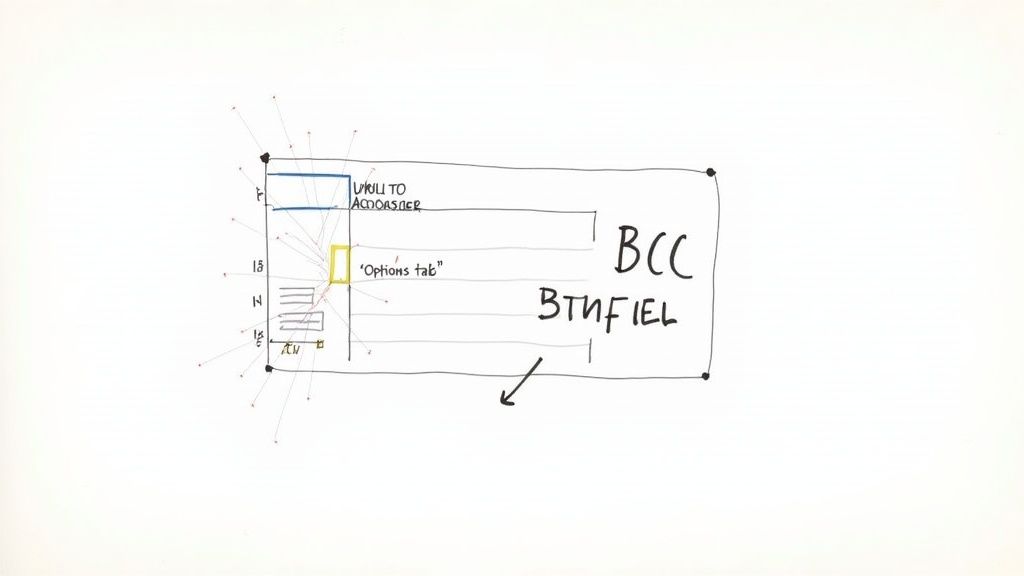
Show BCC in Outlook: New vs Classic, and Why It's Missing
There are two Outlooks for Windows, and the new one tucks BCC one step deeper than the classic one. Here's how to tell which you're in, where each version hides the switch, and how to keep the field visible.

Customer Service Recovery 2026: 5-Step Playbook + Metrics
Customer service recovery playbook with the 5 steps that work, concrete compensation tiers, the Service Recovery Paradox, metrics that matter, and a real-time recovery framework.
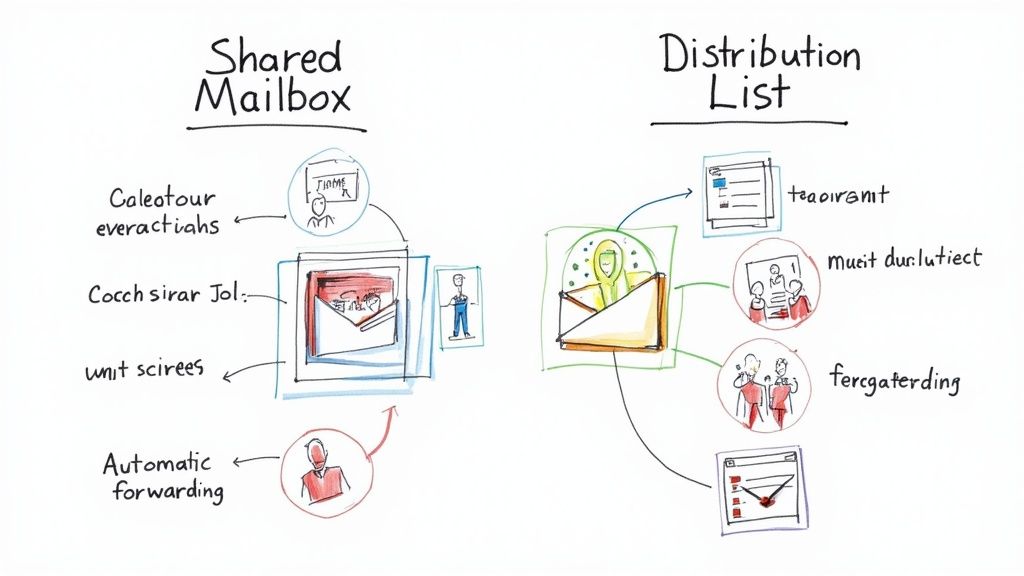
Shared Mailbox vs Distribution List: Microsoft 365 & Google
A distribution list forwards a copy to everyone and stores nothing. A shared mailbox holds one copy that a team answers from, and choosing between them comes down to whether anyone on your side has to reply.
What Excellent Customer Service Means in Practice
Most teams can't say what excellent customer service means in their own mailbox, so nobody can tell on Friday whether they delivered it. Here's a definition you can test.
Email Management Programs: What to Check Before You Install
A program is software that runs on a device and connects to a mailbox. Both major platforms are actively narrowing what that connection is allowed to be, and that decides more about your shortlist than any feature table does.
How to Automate Customer Support: 10-Step Playbook (2026)
How to automate customer support without breaking it - 10 concrete steps, what to automate first, where AI helps, approval workflows, and the failure modes most teams hit.

Workflow Automation Examples: 12 Rules That Hold Up
A rule that survives contact with real work has four parts, and most published examples only give you two of them. Here are twelve written out in full, each with the test that keeps it honest and what it does when that test gets the answer wrong.
Email Template Best Practices
Master essential email template best practices with proven strategies that drive measurable results.
Email automation best practices: 8 rules that work in 2026
Eight email automation best practices for marketing teams: map the journey, segment by behavior, trigger on actions, personalize where it counts, and protect deliverability.

Customer Service KPIs: Formulas, Targets, Honest Limits
The formulas for the support metrics worth tracking, an honest account of which published benchmarks hold up, and a way to pick three or four KPIs instead of twelve.

DeepSeek for Email Marketing: Honest 2026 Guide
How to actually use DeepSeek (the Chinese AI lab's open models - R1, V3) for email marketing. What it does well, the privacy and regulatory caveats, and where it fits in your stack.

Small Business Automation Tools: What to Buy First
Most of the automation a small team needs is already sitting switched off inside subscriptions it pays for. Buying well after that comes down to knowing what you are actually buying, who owns it once it runs, and how you would find out if it stopped.

Email Management Strategies in 2026: 7 Frameworks That Stick
7 email management strategies that actually stick - the 4 D's, inbox zero, batching, templates, and the right tool for personal vs team inboxes.